How to Request a Free Trial Account
Learn how to request your BizzApp.io Free Trial, select a suitable plan, submit your information, and activate your account after approval.
Request Your BizzApp.io Free Trial
Getting started with BizzApp.io is simple. Submit a Free Trial request by selecting the plan that best suits your business and providing the required information. Our team will review your request and, once approved, provide you with a secure Password Generator link to set up your password and access your BizzApp.io account.
Step-by-Step Instructions
Step 1 — Open the Free Trial Page
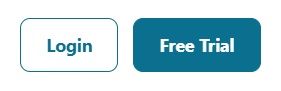
Visit the BizzApp.io website and click Free Trial to begin your trial request.
Step 2 — Select Your Plan
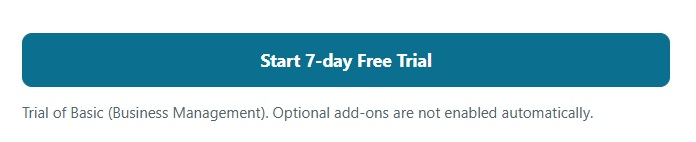
Review the available plans and select the plan you would like to try. The selected plan will determine the features and modules available during your trial period.
Step 3 — Complete the Trial Request Form
Enter the required information in the Free Trial Request Form. Please provide accurate contact and business information so our team can review and process your request.
Step 4 — Submit Your Request
Review the information you have entered and click Submit. Your Free Trial request will be sent to the BizzApp.io team for review.

Step 5 — Wait for Approval
Our team will review your request. Once your Free Trial account has been approved, you will receive a Password Generator link.
Step 6 — Create Your Password
Open the Password Generator link provided to you and create a secure password for your BizzApp.io account.
Step 7 — Sign In to BizzApp.io
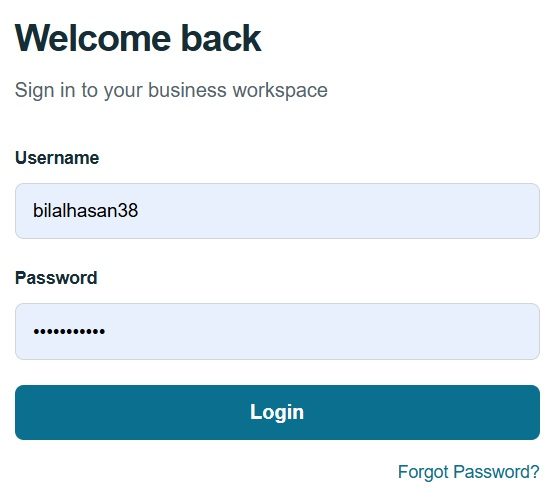
After setting your password, go to the BizzApp.io login page and sign in using your account credentials.
Step 8 — Start Using Your Free Trial
Once logged in, you can access your BizzApp.io workspace and start exploring the features included in your selected trial plan.
Important Note
For your security, the Password Generator link provided after approval should only be used by the person who submitted the Free Trial request. Do not share this link or your account password with anyone.